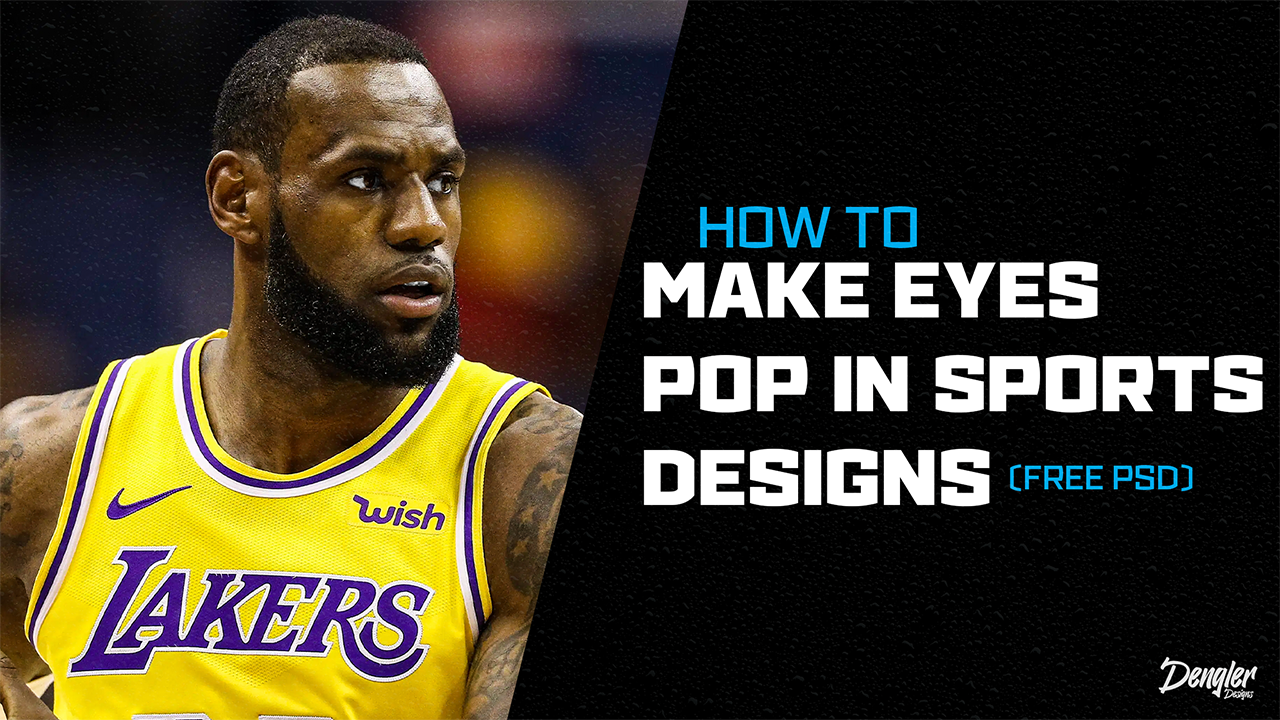
Graphic Design focuses on the small details, and one way you can retouch your photos in your sports design through a small detail is by making the eyes pop or stand out.
Step 1
The first step in this process is to create a vibrance layer that you will clipping mask to your photo
Step 2
Once you have the vibrance layer, you then want to turn the saturation all the way down to -100. This should leave your photo black and white.
Step 3
Once your photo is black and white you want to press on the layer mask and use a soft round brush to brush over the white of the players eyes and if you want take it a step further also brush over their teeth.
Step 4
Once you have made their eyes white, you want to create a curves layer. You will than take the input and put it just above 110 and take the output to around 140, these are just general numbers for what I prefer to use on my own designs.
Step 5
Once you have the curves layer adjusted you want to do the same process as step 3 where you brush over the whites of the players eyes, but this time you want to brush over the whole eye which includes the iris and pupil.
This is how I make a players eyes pop in my designs. The next topic I will be covering will be how to retouch a players skin to make your designs of higher quality.
If you want to watch a step-by-step video tutorial go to my youtube @DenglerDesigns or click the link below!
 Denglermedia
Leave a comment